
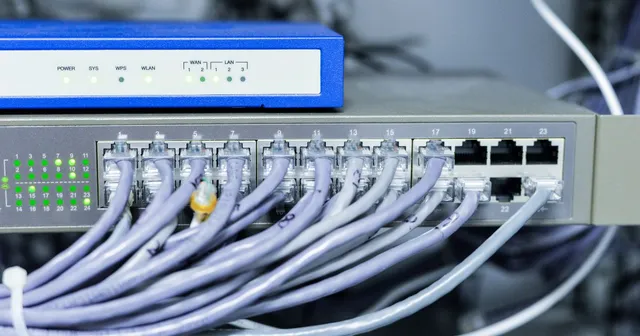
Benefits and uses
- Choose LAN cable types for the application and site
- Plan connection points and cable routes
- Check termination methods and system testing plans
- Choose standards-compliant LAN cables with safety in mind
- Nationwide LAN cabling with site surveys and installation planning
Service options and pricing
Pricing depends on the location, equipment and scope of work. Contact our team for a quotation. Request a quotation →
LAN cabling services
Our LAN cabling and network services
Ethernet LAN cabling
The original overview describes 10–100 Mbps Ethernet using bus topology, in which devices share one signal cable and only one pair transmits at a time. It discusses short-distance office installations and preventing data collisions.
Token Ring LAN cabling
The original overview describes Token Ring networks operating at up to 16 Mbps, with ring topology and data packets circulating in an orderly sequence in one direction.
What LAN cable types are available, and which should you use?
Here is a guide to choosing a cable for your requirements.
Technical details and selection guidance
What are LAN cables, and why do network connections matter for work?
Why use professional LAN installation services?
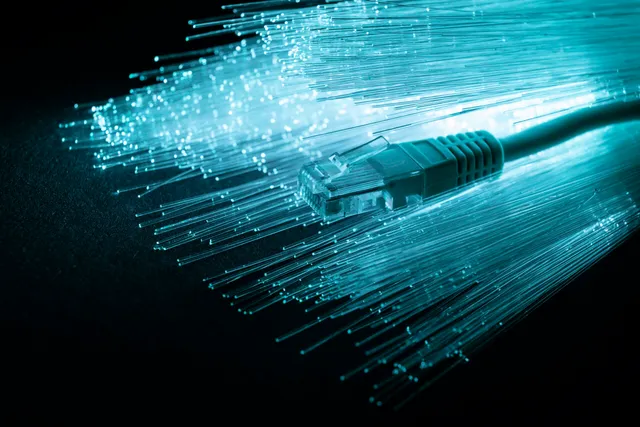
Why is CAT6 popular for LAN installations?


High data transmission speeds
CAT6 can support speeds of up to 10 Gbps under suitable installation conditions, making it useful for large files, video calls, and online gaming that requires stable connections.

Affordable pricing
Although CAT6 may cost more than CAT5, it remains reasonably priced while supporting higher speeds.

Support for advanced technology
Helps support future applications as demand for faster data transmission increases.
What types of LAN cable connections are available?
Which option works best for your application?
How to connect a LAN cable
Connecting a desktop or laptop: what is the difference?
We recommend specialist help to ensure correct installation. The basic connection steps are:
1. Check the LAN cable
Choose a suitable LAN cable for the computer connection. CAT6 and CAT5 are common examples.
2.Check the Ethernet port
Your computer should have an Ethernet (RJ-45) port for the LAN cable.
3.Insert the LAN cable
Insert the plug securely and correctly into the computer’s Ethernet port.
The process is similar to connecting a desktop computer:
1. Check the laptop’s Ethernet port
Look for an Ethernet (RJ-45) port on the side or rear of the laptop, and check the symbols beside it to identify its function.
2.Insert the LAN cable
Insert the LAN cable plug securely and correctly into the laptop’s Ethernet port.
3.Check the connection
After connecting the cable, confirm that the connection works as intended and data can be exchanged between devices.
4.Install drivers
The laptop may need network drivers installed so it can recognize and use the wired connection correctly.
Related projects and content
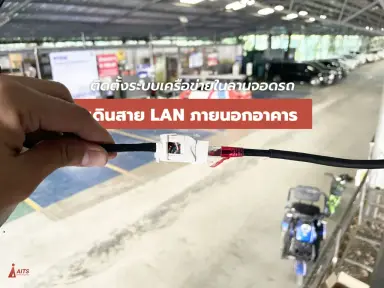
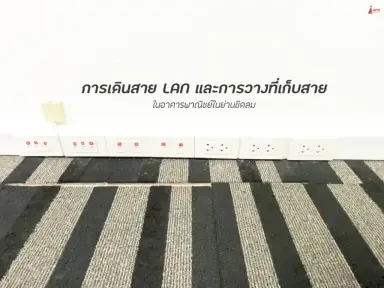
Request a quotation and contact our team
Discuss LAN cabling
Tell us about your property, requirements and budget so our team can assess the scope of work.
info@aitscctv.com