
Make every meeting clearer, faster, and more professional with AITS smart meeting room systems.
We survey, design, install, and upgrade audio and video systems for meeting rooms of every size, covering microphones, speakers, audio processing, conference cameras, interactive displays, screen sharing, and video conferencing.
AITS designs integrated solutions rather than simply selling individual devices. We ensure audio, video, networking, and control equipment work together appropriately for the room and its actual use.
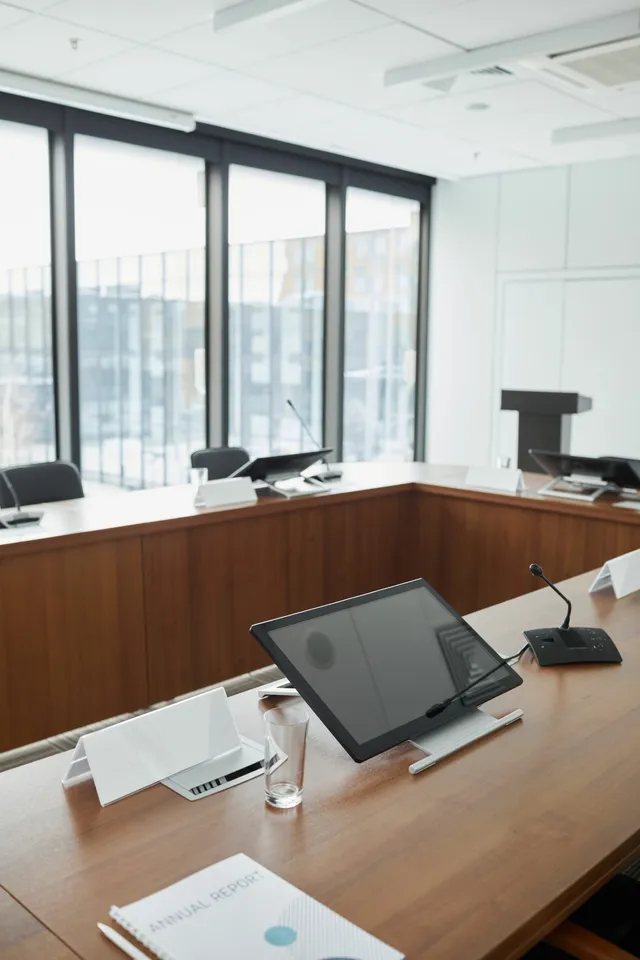
Benefits and uses
- Design audio, video, and conferencing together
- Choose systems for the room size and user numbers
- Plan screen sharing and equipment control
Detailed benefits and uses
Many meeting room problems arise from equipment that does not suit the space, incorrect installation positions, poorly tuned audio, or components that do not work together—not just a fault in one device.
AITS first assesses the problems, usage patterns, and room environment, then designs audio, video, networking, and control as one integrated solution.
Some speakers sound too quiet or too loud, or online participants cannot hear everyone. This often occurs when microphone types and positions do not suit the table layout and number of users.
We assess speaker positions and pickup distances and select microphones that suit the actual space.
Speaker output can feed back into microphones, causing remote participants to hear echo. Air conditioners, fans, and other room sounds can also disrupt conversation.
The system can include DSP to manage echo, reduce noise, adjust levels, and coordinate multiple microphones effectively.
Volume alone does not make a meeting room sound system effective. Speaker positions, coverage patterns, room acoustics, and system tuning all affect speech clarity.
AITS designs sound coverage for every listening position without unnecessarily high volume.
We select camera types and positions for the room size, from wide-angle cameras for small meeting rooms to PTZ and AI cameras for medium and large spaces.
Choose auto framing, speaker tracking, presenter tracking, and camera presets to suit the meeting format.
Display selection should consider viewing distances, content type, information detail, and room lighting as well as room size.
We plan display size, mounting position, display count, and presentation format to suit users in every seating position.
Wireless presentation supporting laptops, tablets, and smartphones reduces HDMI cable changes, incompatible connectors, and trips to plug in at the front of the room.
We can design separate networks for internal users and visitors to improve convenience and security.
Bring display, audio, camera, lighting, curtain, and room equipment controls together on one control screen.
Create modes such as start meeting, presentation, video conference, meeting break, and room shutdown so users can begin easily without several remote controls.


Design based on the actual space and purpose
Our team surveys room dimensions, table layouts, user numbers, speaker positions, acoustics, lighting, and networking before selecting equipment, ensuring the solution suits actual use.

Integrated audio, video, networking, and control
AITS has expertise across video, audio, networks, and controls, helping reduce coordination problems between multiple contractors and ensuring the systems work together.

Make starting a meeting easy
A good system should not require time-consuming learning. We prioritize convenient startup, source selection, screen sharing, and online meeting access.

System testing and support after installation
After installation, our team tests audio, video, cameras, microphones, screen sharing, and online meeting connections. We also train users and provide system care advice.
Service options and pricing
Pricing depends on the location, equipment and scope of work. Contact our team for a quotation. Request a quotation →
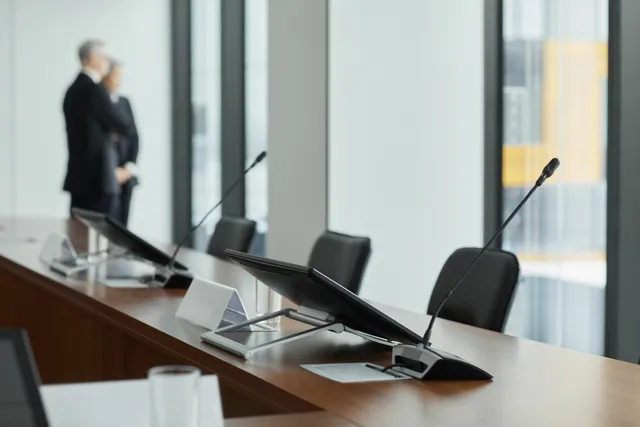
We design microphones and speakers for the room size, table layout, participant numbers, and seating positions so everyone can hear and speak clearly.
Systems can include desktop conference microphones, wireless microphones, ceiling array microphones, ceiling or wall speakers, and DSP to reduce echo and noise and adjust audio levels.
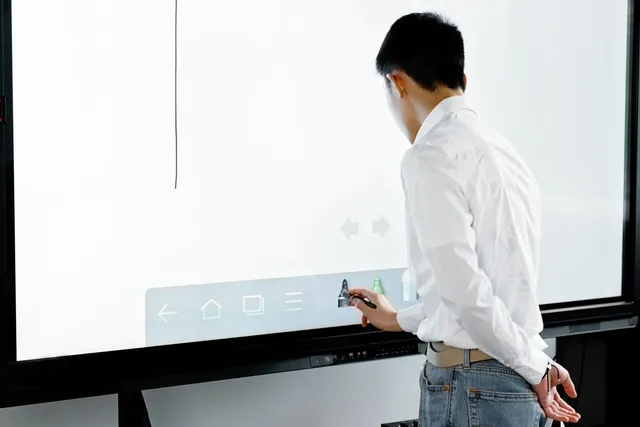
Turn presentations into collaborative work on a shared screen. Users can write, explain, annotate documents, open files, share screens, and save meeting information conveniently.
AITS selects display size, resolution, and mounting position for viewing distances, and designs connections to computers, cameras, microphones, and online meeting systems.

Meet online professionally with cameras, microphones, speakers, and displays designed to work together as a complete system.
We design for Microsoft Teams, Zoom, Google Meet, Webex, and BYOD setups that let users connect their own laptops to room equipment.
Wireless screen sharing can reduce incompatible cables, insufficient ports, and equipment preparation time before meetings.
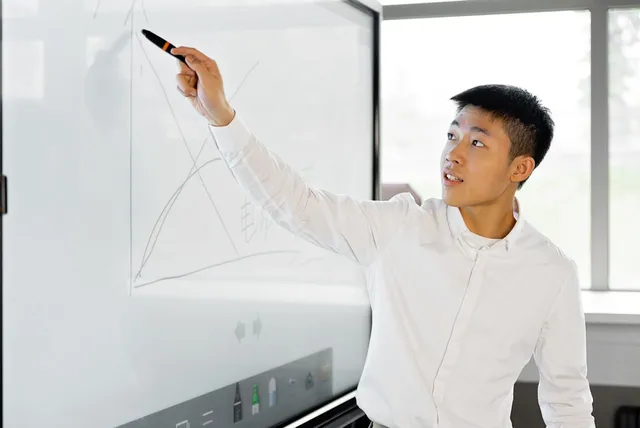
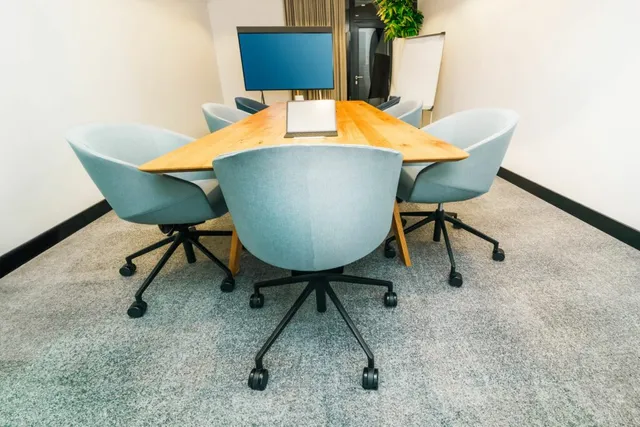
For rooms with approximately 4–8 people, emphasizing easy use, quick meeting startup, and minimal equipment.
Solutions can include a video bar or wide-angle camera, integrated microphones and speakers, a display, and wireless screen sharing.
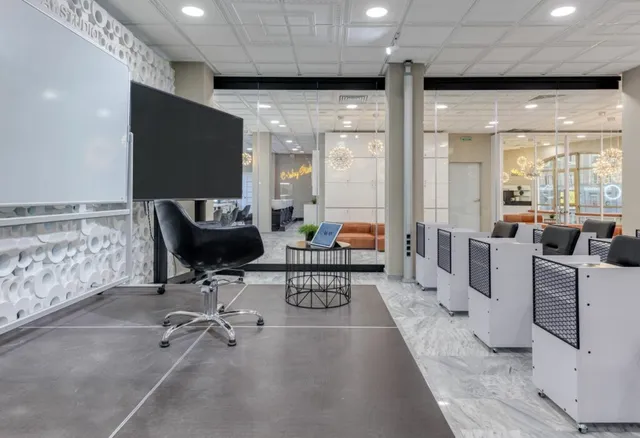
For rooms with users seated in several positions that need wider audio coverage.
Systems can use multiple microphones, DSP, separate speakers, PTZ or AI cameras, and one or two displays to separate participant video from presentation content.
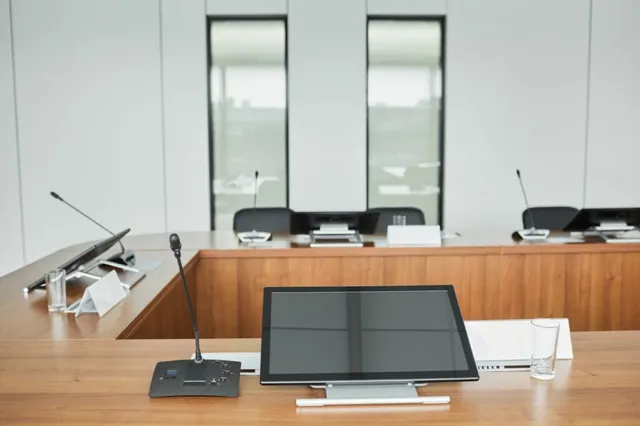
Designed around sound quality, a tidy space, and easy control.
Options include table-mounted or ceiling array microphones, multiple camera angles, high-resolution displays, touch-panel control, and scene presets for different meeting formats.
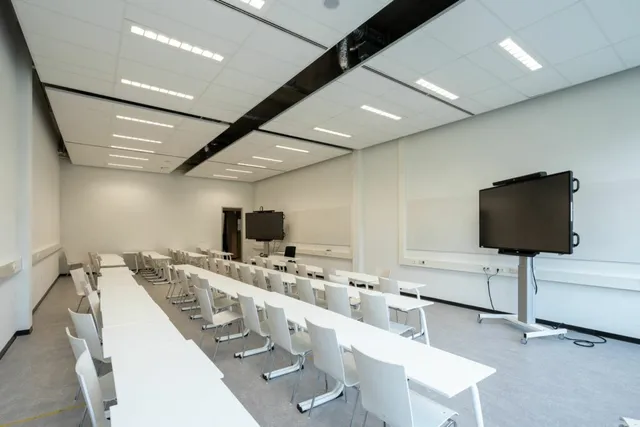
For training, teaching, presentations, and meetings with many participants.
Systems can include microphones for instructors and participants, instructor-tracking cameras, multiple interactive displays, audio and video recording, and broadcasting to other rooms or online participants.
Technical details and selection guidance
Define participant numbers
Specify typical and maximum user numbers and seating positions to plan microphone quantities, camera angles, display sizes, and audio coverage.
Identify meeting formats
Consider whether the room is for internal meetings, online meetings, presentations, training, teaching, or multiple activities, since each requires different equipment and controls.
Choose the organization’s meeting platform
Specify the main platform, such as Microsoft Teams, Zoom, Google Meet, or Webex, to choose direct support or a BYOD design that works with multiple platforms.
Check networking and signal cabling
Cameras, displays, screen sharing, and audio-over-IP equipment require stable networks. Check LAN cabling, Wi-Fi, switches, internet access, and rack positions before installation.
Plan for future expansion
Consider future displays, cameras, microphones, meeting rooms, or connections to other areas, and prepare cabling, ports, and equipment from the start.
Related projects and content
Related video and smart equipment projects. Ask our team for examples specifically involving meeting rooms.
View our project portfolio →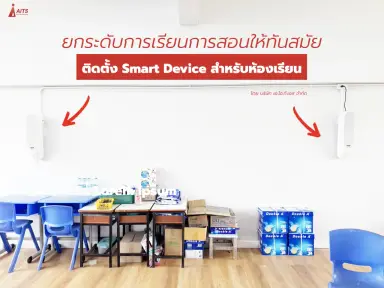
Request a quotation and contact our team
Discuss Smart meeting room systems
Tell us about your property, requirements and budget so our team can assess the scope of work.
info@aitscctv.com